2x2 Passport Photo Online Free (2026): Crop, Check, and Export a U.S.-Style Photo
A practical guide for making a 2x2 passport photo online free, with U.S.-style crop rules, background checks, 600x600 export notes, and print-sheet links.
What a free 2x2 passport photo tool should actually do
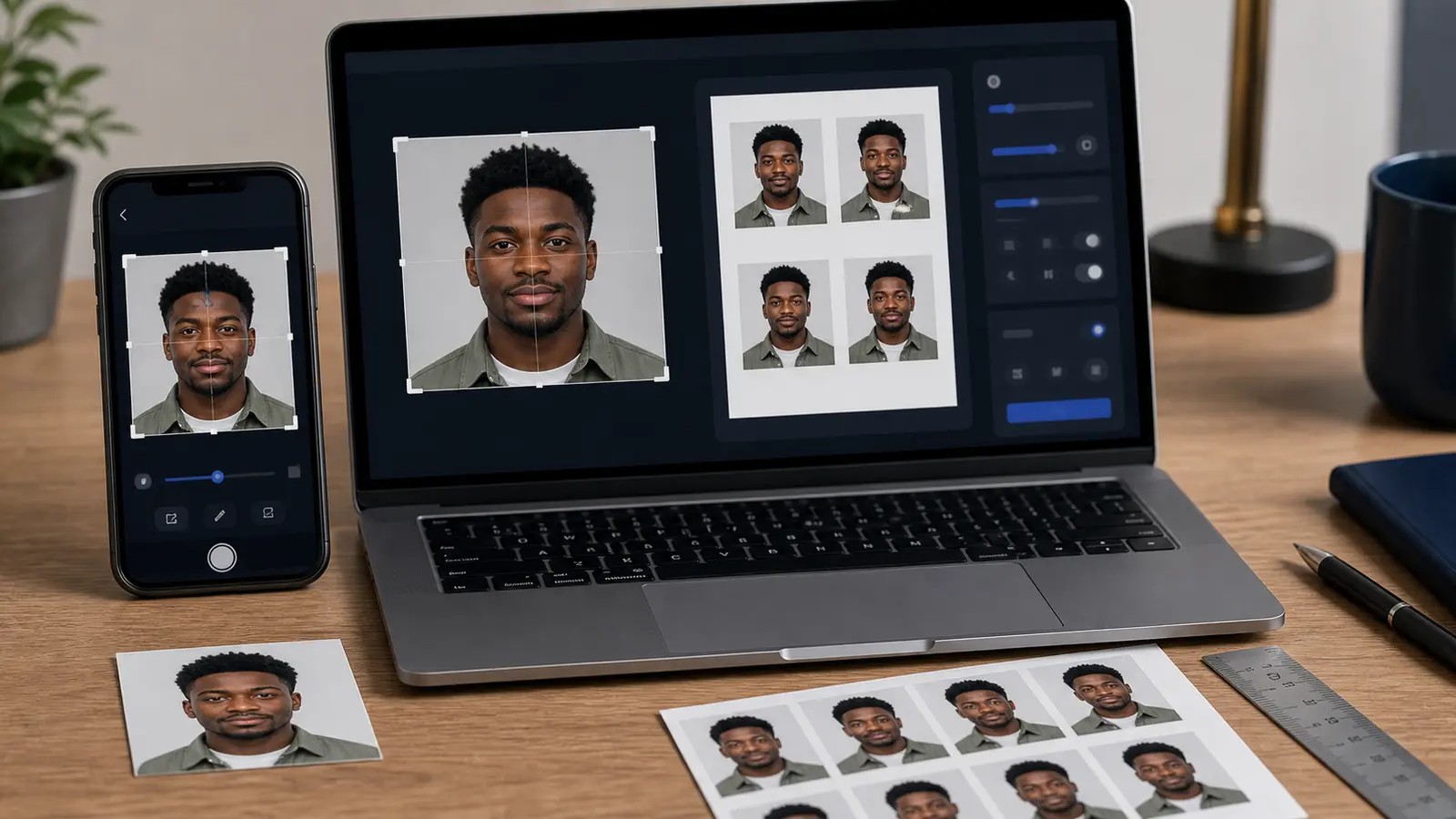
A 2x2 passport photo online free search usually comes from someone who already knows the output size. The real problem is not finding a square cropper. The real problem is making a square photo that still follows the passport or visa workflow after the crop, background cleanup, and export step.
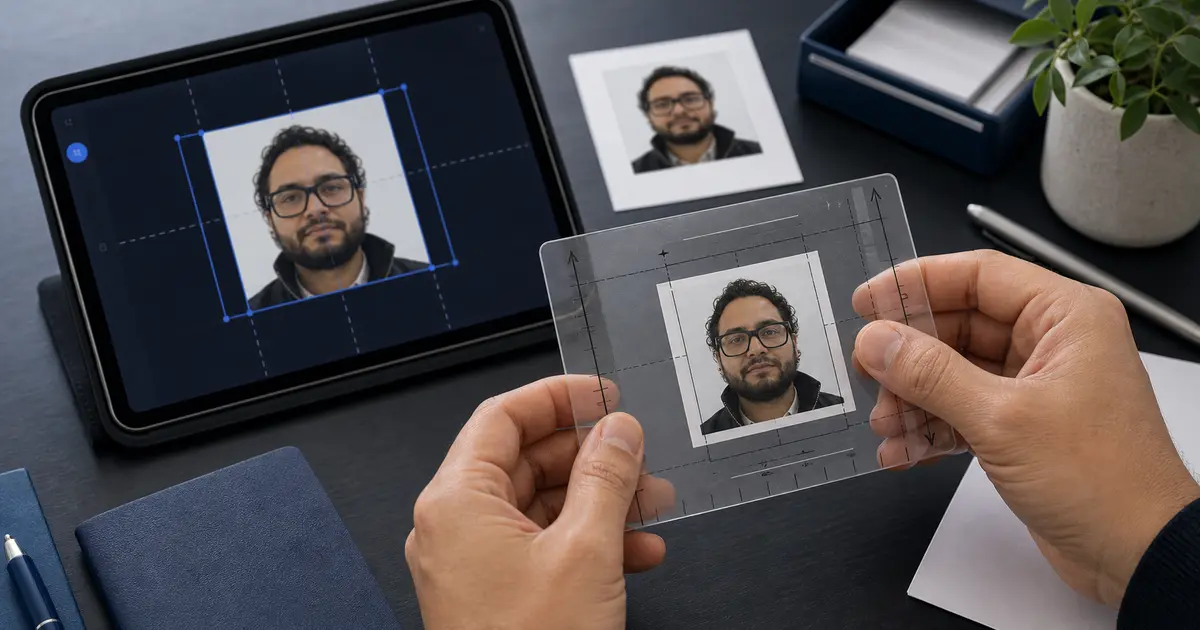
For U.S.-style use, the finished photo is commonly a 2 by 2 inch square. That still leaves several ways to get it wrong: the head can sit too low, the background can show shadows, the file can be over-compressed, or the print sheet can be scaled by the printer.
If you came from a free passport photo maker search
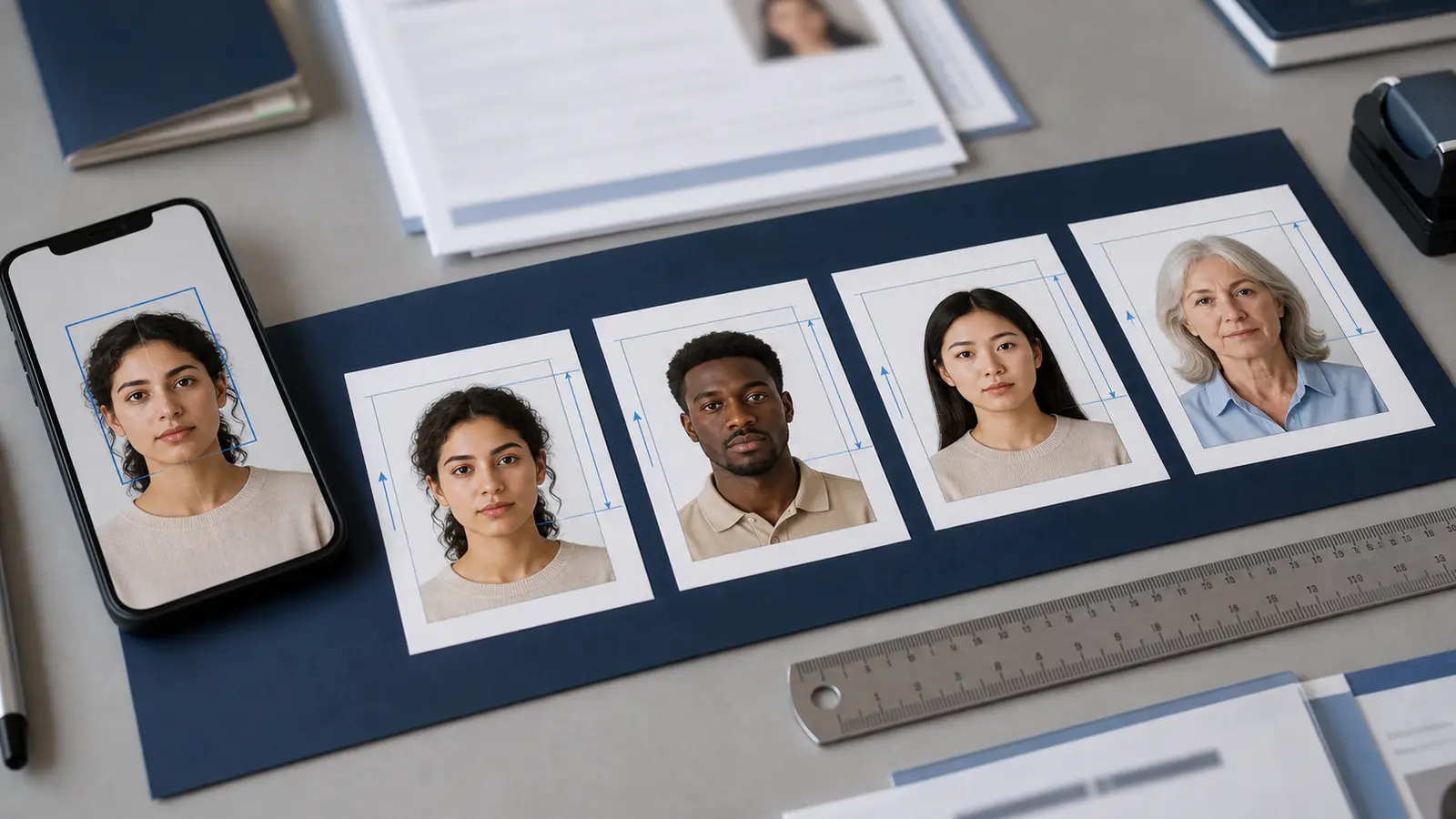
A lot of people reach this page after searching for a broad free passport photo maker online. That is a good starting point, but a 2x2 job needs its own checks. The outside square is only one part of the result. You still need the face position, background, upload size, and print path to make sense together.
Use this guide when you already know the target is a 2 by 2 inch photo. Then move to the 2x2 passport photo size guide for inch and millimetre rules, the passport photo pixels guide for common digital exports, and the 4x6 template guide if you need several copies on one print.
If you want the shorter tool entry instead of the long guide, open the 2x2 passport photo maker. That page is built for the direct 2x2 workflow and links back here when you need the extra print, pixel, and U.S. rule detail.
The safest fast workflow
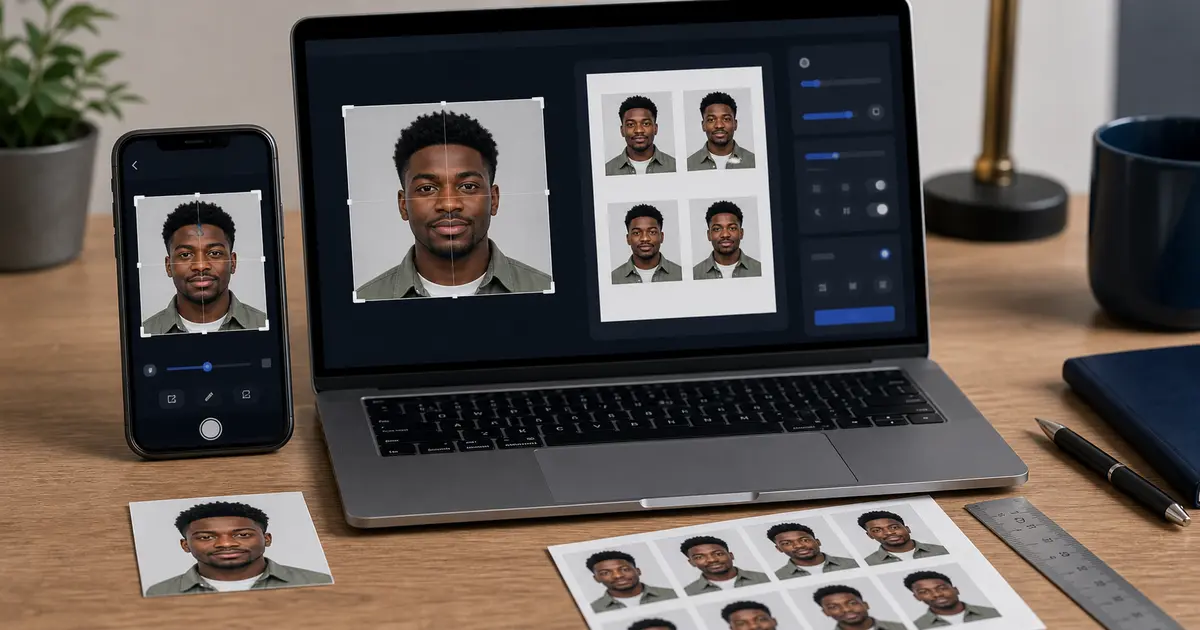
- Start with the U.S. passport or U.S. visa preset instead of a generic square.
- Use the face guide to position the head before exporting.
- Check the background edge around hair, ears, jaw, and shoulders.
- Export a digital file if you are uploading, or a 4x6/A4/Letter sheet if you are printing.
- Open the final file once before you submit or print it.
That order keeps the photo tied to the document. It also avoids the common mistake of making a neat 2x2 square first and discovering later that the face size or output mode is wrong.
Free does not mean lower-control
A free tool is only useful if it keeps control visible. You should be able to see the preset, crop, background choice, and export size before download. If a page hides the final size behind a watermark or asks for payment only after you finish editing, it is not a clean workflow for a time-sensitive document photo.
Passlens keeps the browser workflow local by default for standard editing. If a heavier upload-based background-removal option is used, the user should choose it clearly. That distinction matters for people searching for free 2x2 photos because they often care about both cost and privacy.