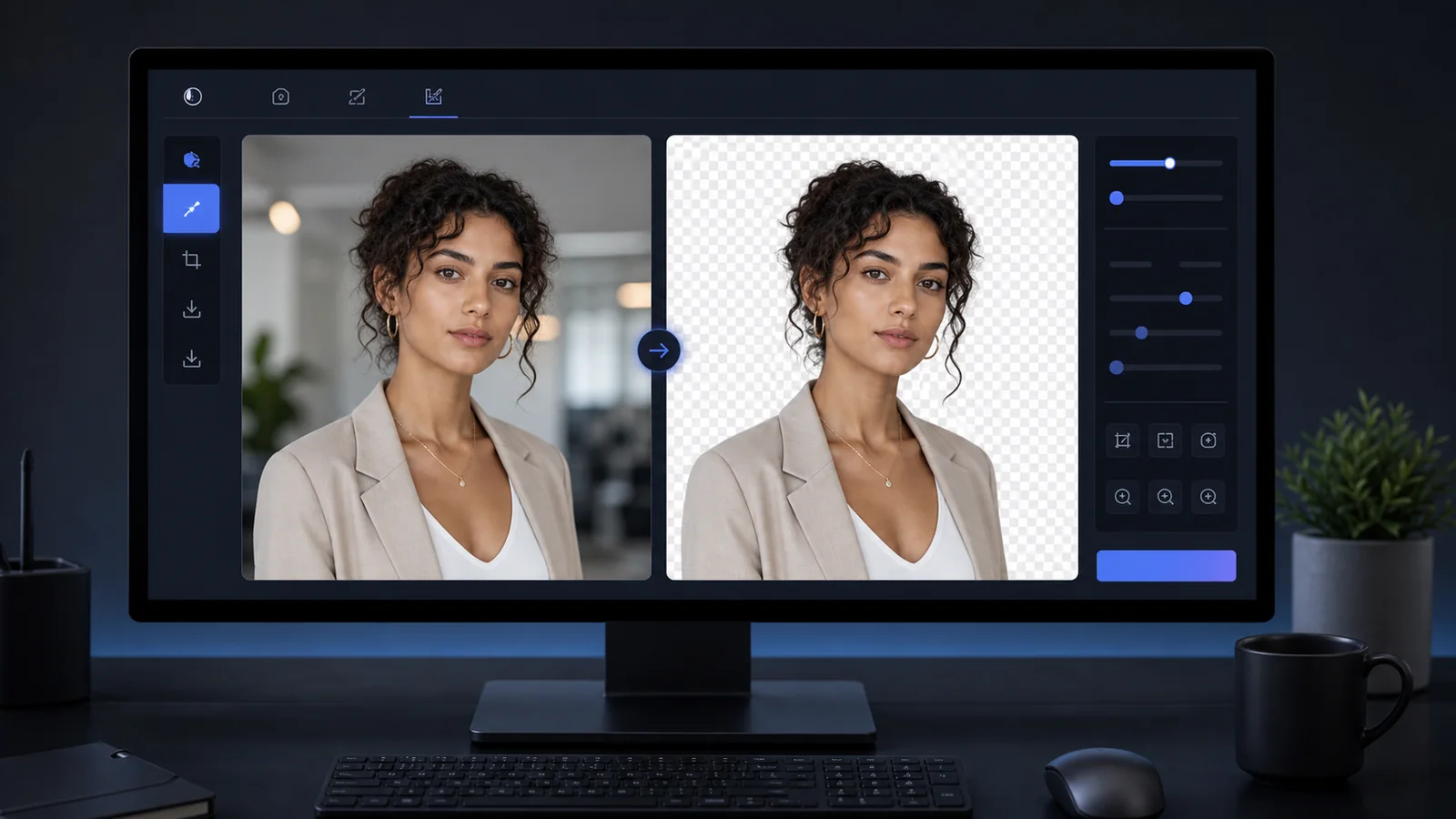
Best Free Passport Photo Makers Compared (2026): No Signup, No Watermark, and Print-Ready
An honest 2026 comparison of free online passport photo makers — which are truly free with no signup and no watermark, which process in your browser, and which can still get your photo rejected.

Fast answer: what "free" should actually mean in 2026
A genuinely free passport photo maker should let you download a print-ready or upload-ready file with no signup, no watermark, and no surprise paywall at the download step. Many tools advertise "free" but add a watermark to the preview, require an email, or charge once you try to save the final image.
Use this checklist before you trust any tool: (1) can you download without paying or signing up, (2) is the export free of watermarks, (3) does it support the exact size you need (2x2 in / 35x45 mm / your country), (4) does your photo stay on your device, and (5) does it size and crop without applying AI edits that can now cause rejections.
| What to check | Why it matters | Green flag |
|---|---|---|
| Free download | Some tools paywall the final save | Save the file without payment |
| No watermark | Watermarked photos are rejected | Clean export, no logo |
| No signup | Email walls slow you down and cost privacy | Works without an account |
| Browser-local | Your face is sensitive data | Photo never uploaded to a server |
| Correct size | Wrong dimensions = rejection | Verified per-country presets |
Free passport photo makers, compared
The landscape changes often, so always confirm at the download step. As of 2026, these are the patterns we see across popular free tools. "Browser-local" means the photo is processed on your device rather than uploaded to a server.
| Tool | Free download | No signup | No watermark | Browser-local |
|---|---|---|---|---|
| Passlens | Yes | Yes | Yes | Yes (local by default) |
| IDPhoto4You | Yes | Yes | Yes | Server-side |
| PassportPhotoWiz | Yes | Yes | Yes | Browser-based |
| PassportPrints | Yes | Yes | Yes | Browser-only |
| Freemium/paid apps (varies) | Often paywalled | Often email-gated | Free tier may watermark | Often server-side |
Always verify at the download step
Tool policies change. The reliable test is simple: take your photo all the way to download. If a watermark, a payment screen, or an email request appears only at the end, it is not truly free for your use.
Where Passlens fits
Passlens is 100% free with no signup, no subscription, and no watermark on exports. By default it processes your photo locally in the browser, so the image does not leave your device. It supports verified sizes for many countries (US 2x2 inch, 35x45 mm, and more), true 300/600 DPI exports, and print-ready 4x6, A4, and Letter sheets.
- Free forever — no paywall at the download step
- No account and no email required
- Local-by-default processing for privacy
- Verified country sizes plus a built-in checker
- Print-ready sheets and exact digital exports
The 2026 rule that changes how you should edit
The US State Department now prohibits photos changed with software, apps, filters, or artificial intelligence, and says it checks every photo for AI use — even background retouching is shown as a rejection example. This means the "AI passport photo" feature in some tools can now work against you. The safe approach is to shoot against a plain, evenly lit real background and use a tool that only crops and sizes — not one that repaints your face or background.
Crop and size, do not "AI-enhance"
For US passports, prefer manual cropping and resizing to official dimensions. Avoid AI background swaps and beauty filters on the final submitted image. Passlens lets you size and crop to spec; reserve background removal for non-US ID needs or general use.
FAQ
What is the best free passport photo maker with no signup? Look for a tool that lets you download a clean, watermark-free file without an account. Passlens, IDPhoto4You, and PassportPhotoWiz are commonly cited free options; confirm the download is free for your size.
Are free passport photo makers accepted? Yes, if the output meets the official size, background, head-size, and quality rules and is not watermarked or AI-altered. The tool does not need to be paid — it needs to be correct.
Which tools keep my photo private? Browser-local tools (processing on your device) keep the image off external servers. Passlens processes locally by default.