Mexico Passport Photo Requirements 2026: Do You Need One, SRE Capture, 35x45 Backup
Check when a Mexican passport appointment takes the photo for you, when a consulate checklist still asks for a 35x45 mm backup photo, and how to prepare it.
Do you need to bring a passport photo for Mexico?
For most regular Mexican passport appointments, do not buy printed photos until the exact SRE office, embassy, or consulate page asks for one. Current Mexican passport instructions often focus on identity documents with photographs, while many consulates capture the passport photo and biometrics during the appointment.
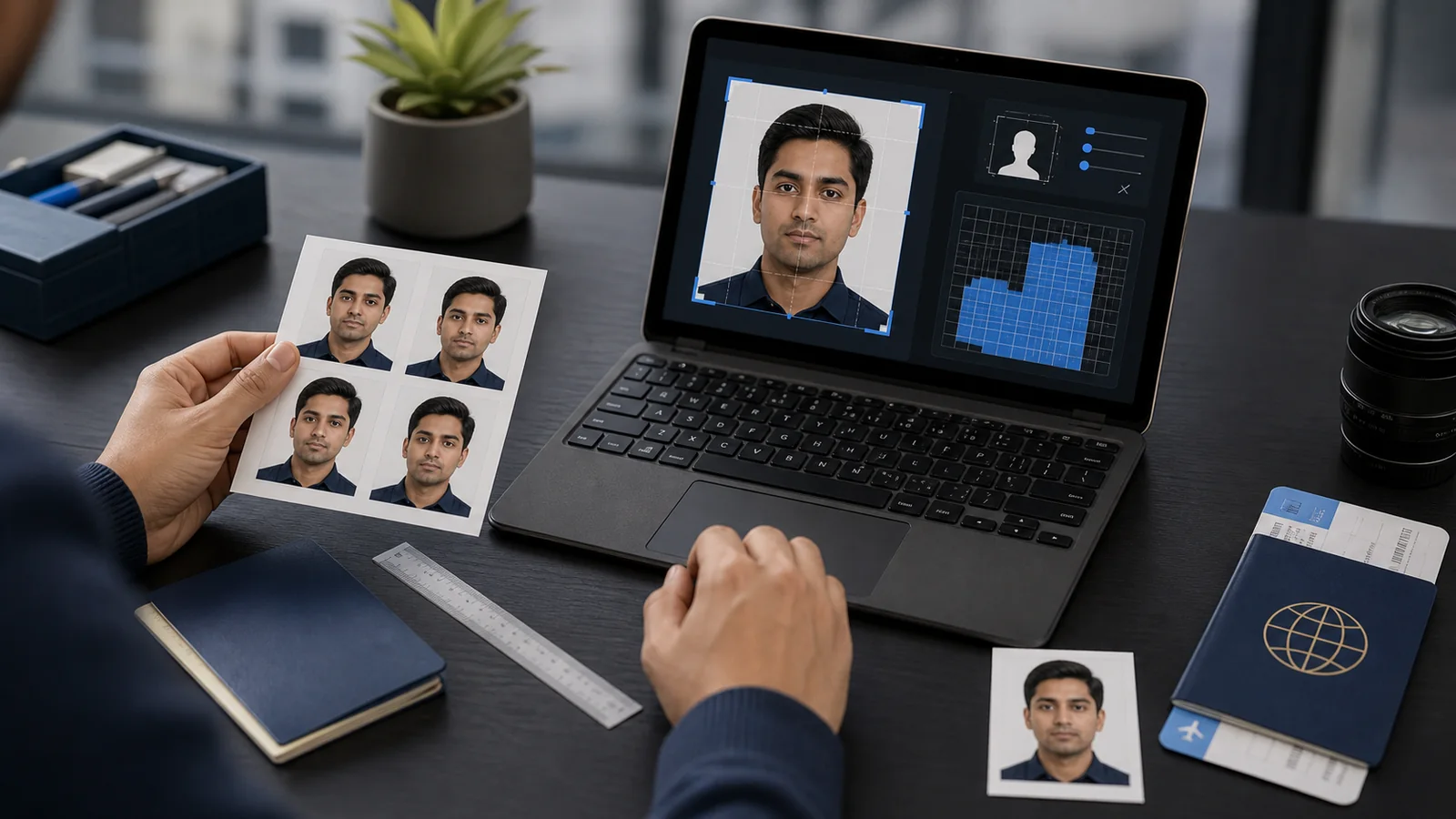
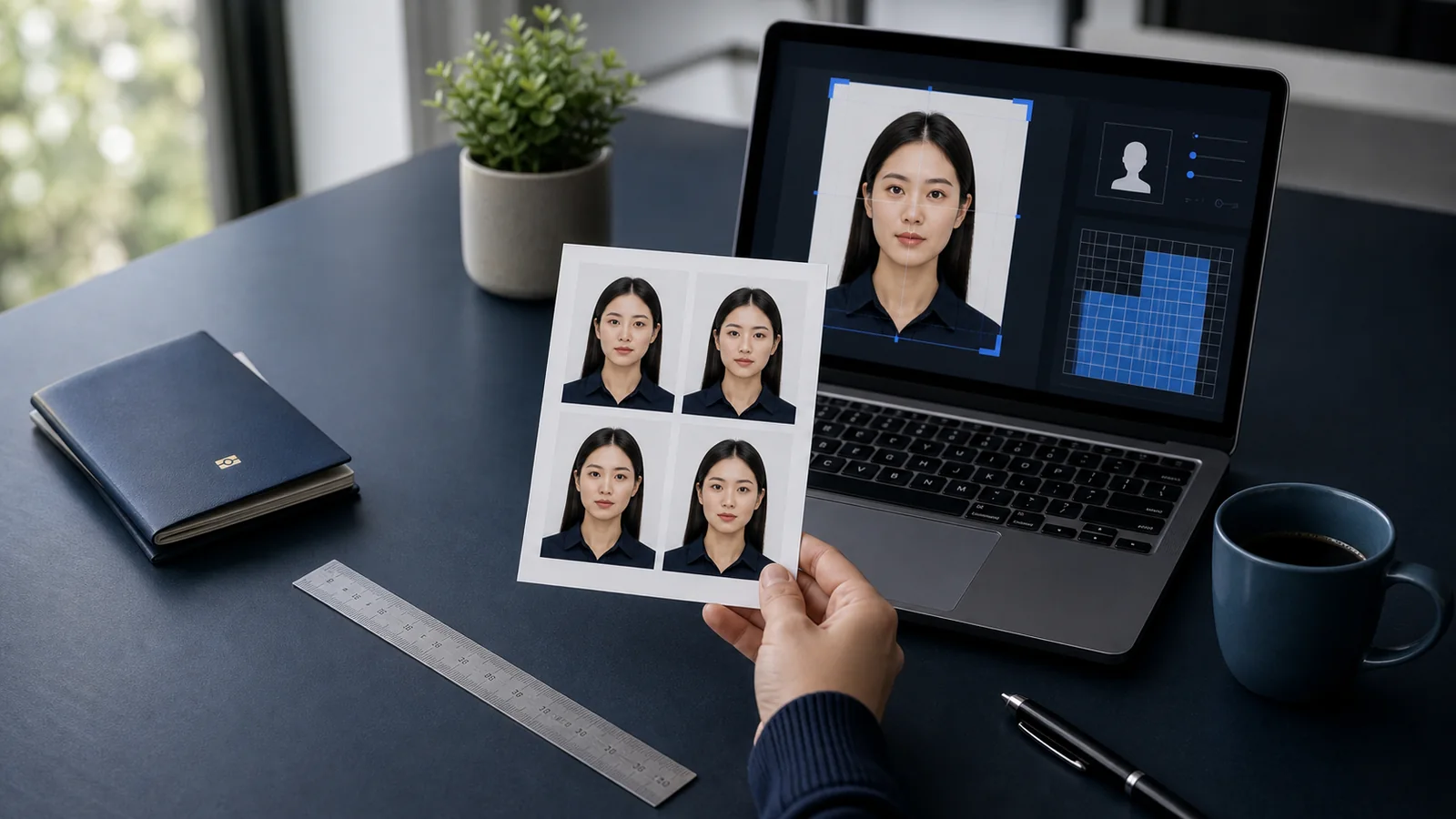
When a consulate checklist or written office instruction does ask for a backup photo, prepare a 3.5 x 4.5 cm / 35 x 45 mm colour photo on a plain white background. Remove glasses, face the camera, keep the head uncovered unless the office grants an exception, and follow the recency window on that checklist.
If you are renewing a Mexican passport, separate the process question from the photo question. Start with the Mexican passport renewal guide for paperwork and appointment flow, then use this page only if your office asks for a photo file or printed backup. For broader country-size comparisons, use the passport photo requirements hub.
Which Mexico passport photo rule applies to you?
The confusing part is that "Mexican passport photo" can mean three different things. Match your case before you print anything.
| Your case | Photo instruction to follow |
|---|---|
| Regular SRE adult passport appointment in Mexico | Use the gob.mx/SRE appointment and adult passport requirement pages. Do not prepare a printed photo unless your appointment page asks for one. |
| Normal Mexican consulate passport appointment abroad | The office usually captures biometrics at the appointment. Frankfurt, for example, says the photo, fingerprints, iris scan, and signature are taken there, so a separate biometric photo is not needed for the normal route. |
| Identity edge case or special consulate checklist | Prepare a recent 3.5 x 4.5 cm / 35 x 45 mm photo only when that checklist asks for it. Follow the exact office wording on background, glasses, uncovered head, ears, and recency. |
| Visa, matricula consular, or another Mexican document | Do not reuse passport assumptions. Check that document page first, then use Passlens only to size and review the requested photo. |
Mexico backup passport photo size
| Requirement | Value |
|---|---|
| Document | Passport |
| Size | 35 × 45 mm |
| Background | White |
| Item | Practical check |
|---|---|
| Photo size | 35 x 45 mm, also written as 3.5 x 4.5 cm on some consular pages |
| Background | Plain white, evenly lit, without shadows |
| Pose | Front-facing, neutral expression, eyes open |
| Glasses | Do not wear glasses or tinted lenses |
| Head covering | Keep the head uncovered unless the checklist allows an official exception |
| Recency | Use the recency stated by the exact office or consulate; some consular instructions use a 30-day window |
The important correction is that this is not a blanket "bring photos to every SRE appointment" rule. Treat 35 x 45 mm as the backup-photo format for offices, consulates, or identification edge cases that still ask for a printed photograph. If your appointment page says the photo is taken in person, follow that page.
When preparing a backup photo still makes sense
- Your consulate checklist asks for one: some overseas pages still list a passport-size photo for specific cases.
- You need a photo for a related Mexican document: visas, matricula consular workflows, or identity evidence can have their own photo rules.
- Your case has an identification edge case: some instructions mention a photo when the applicant lacks a standard identity document.
- Your office gave you a written instruction: follow the office-specific checklist over any general web page, including this one.
Do not rely on old commercial photo-size pages if the SRE or consulate page in front of you says something different. The current office page matters more than a reusable photo-shop checklist, especially where the consulate captures the image and biometrics in person.
Appearance checks if a photo is requested
Use a recent, sharp, colour portrait. Face the camera directly, keep your mouth closed, and avoid shadows across the face or background. Choose clothing that contrasts with the white background. If the checklist says the head and ears must be uncovered, pull hair back before taking the photo.
The safest rule for glasses is simple: remove them. Several consular instructions say no prescription or dark glasses because the face has to be fully identifiable. Avoid filters, smoothing, face reshaping, or background edits that leave halos around the hair.
How to prepare the file with Passlens
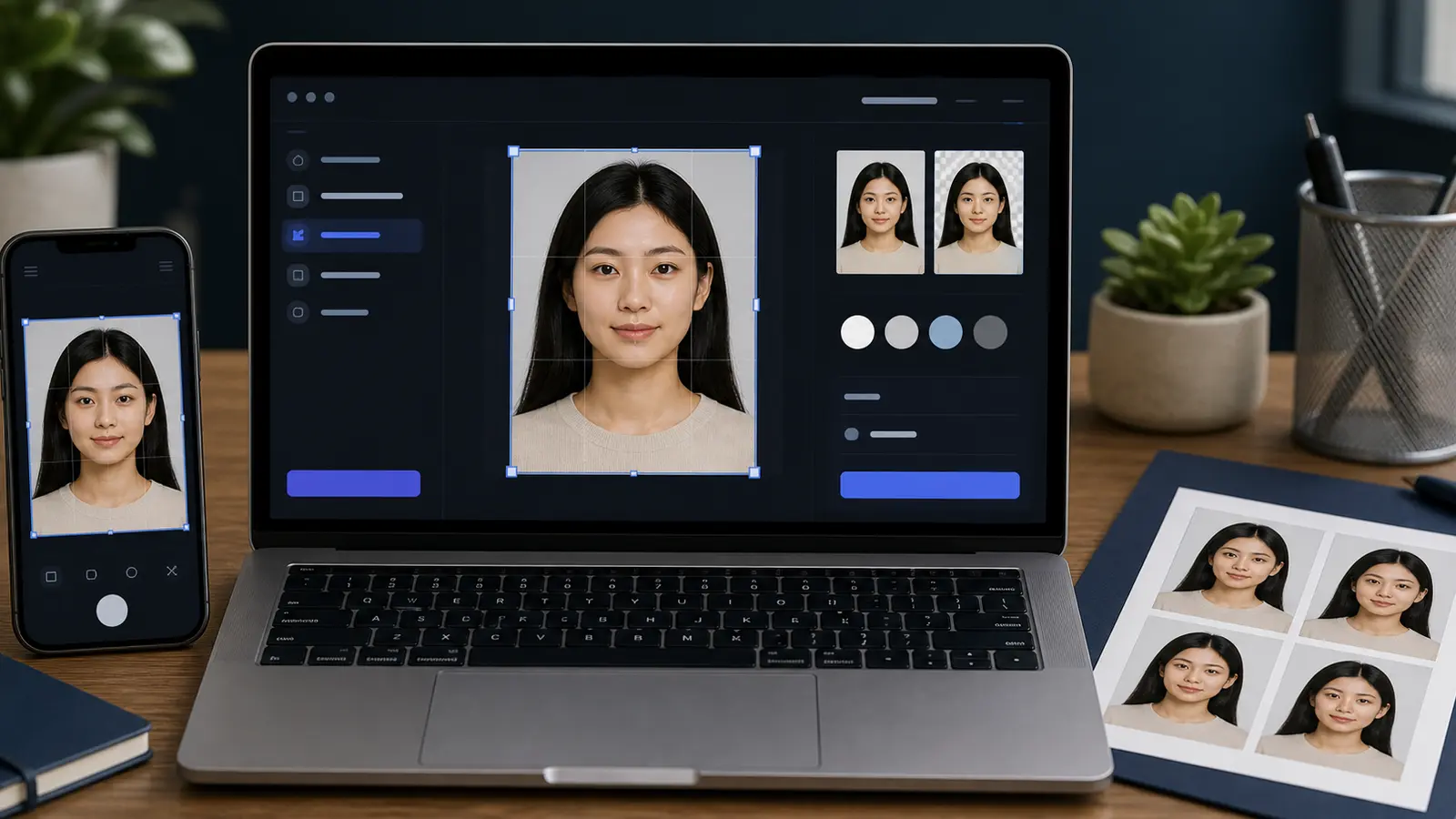
If your checklist asks for a Mexico passport photo, use Passlens as a final sizing and review step rather than as proof that the photo is required. The office decides whether a print is needed; Passlens helps you prepare the image when it is.
- Open Passlens and choose the Mexico Passport preset.
- Start with a front-facing photo in even light, with glasses removed.
- Check that the export is 35 x 45 mm on a plain white background.
- Review the crop, face position, and shadows before downloading.
- Print at 100% scale only if the SRE office or consulate checklist asks for a printed photo.
Mexico passport photo FAQ
Does SRE take the passport photo at the appointment?
Often, yes. Current consular instructions can say the photo is taken at the appointment with the other biometric data. Because this varies by office and case type, check the exact SRE, embassy, or consulate page attached to your appointment.
What size should I use if a Mexico passport photo is required?
Use the size stated by your office. The common backup-photo format is 35 x 45 mm, also written as 3.5 x 4.5 cm. If a PDF or consulate page gives a different value, follow that document.
Can I wear glasses?
Do not wear glasses for a Mexico passport backup photo unless your office gives a specific exception. The usual consular wording is that glasses or anything blocking identification should be removed.