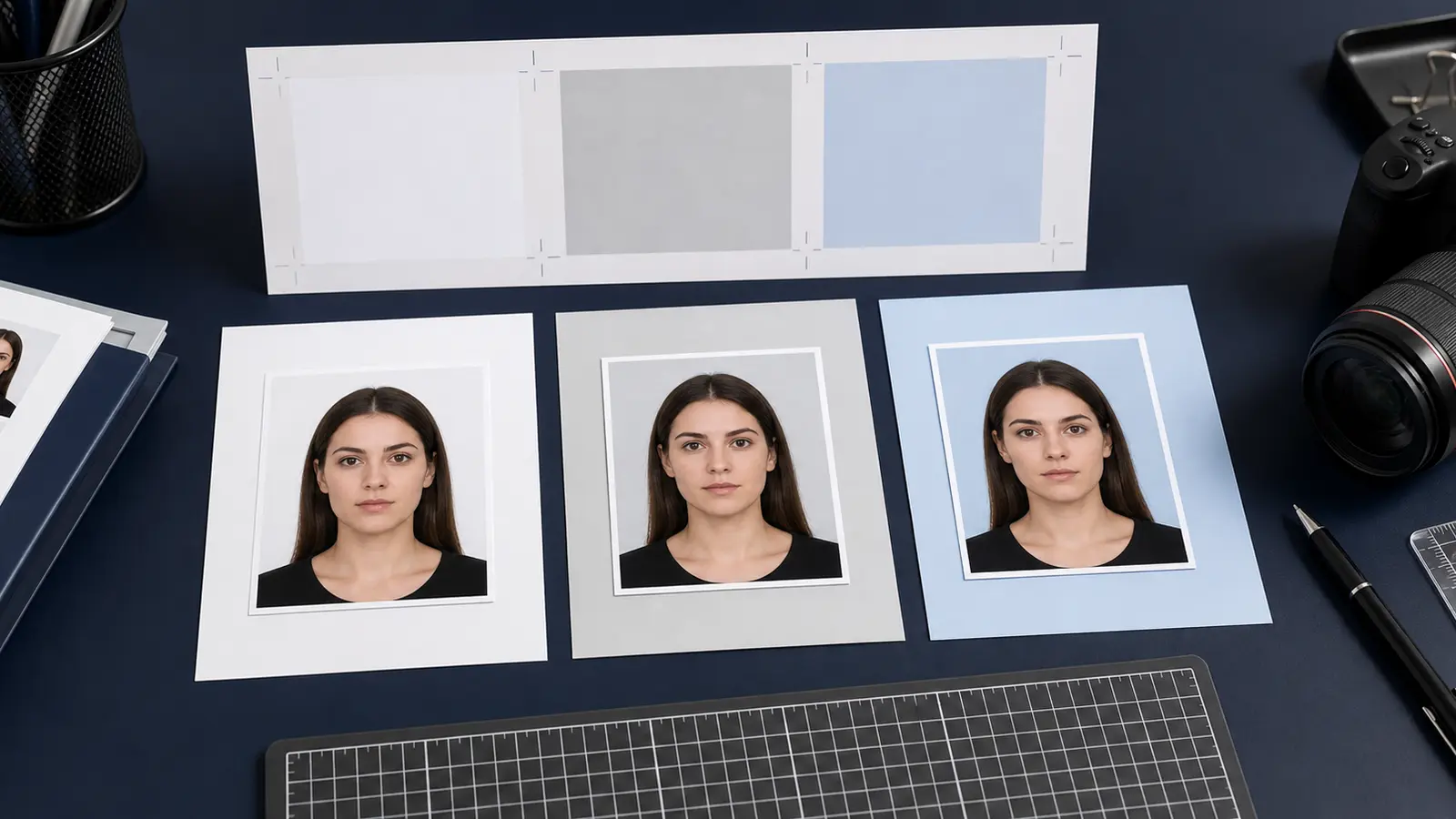
Passport Photo That Won't Get Rejected in 2026: The New AI Rule, Size, and Background Checklist
A 2026 checklist for a passport photo that passes: the new no-AI-editing rule, correct size and head height, background, and the free crop-and-size workflow that keeps your photo compliant.
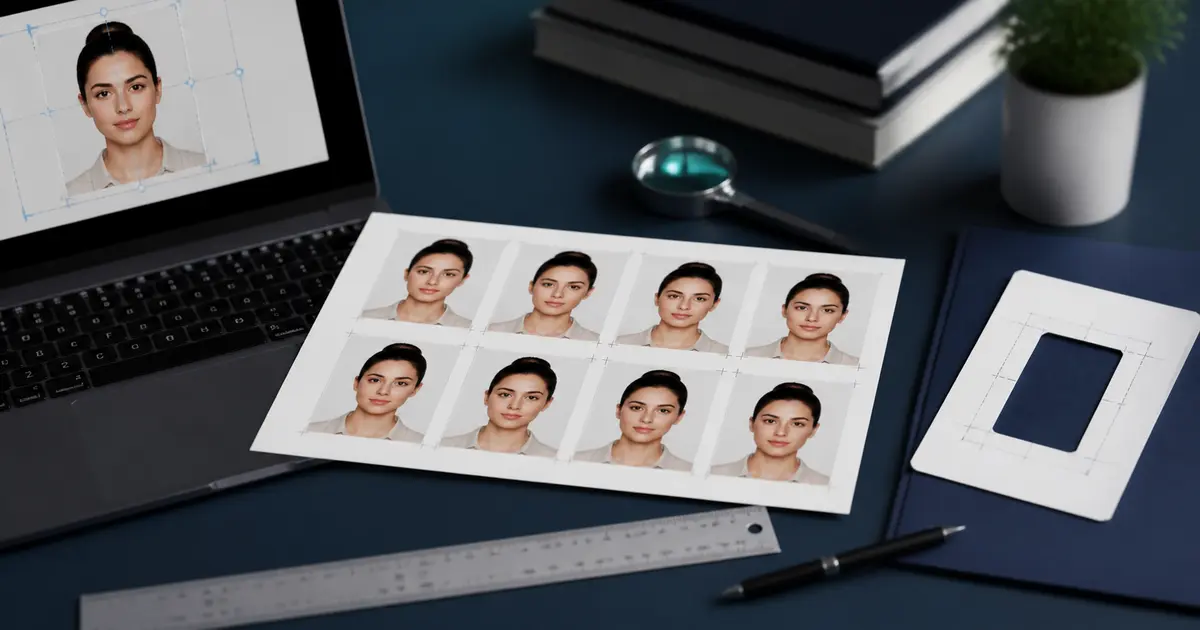
Fast answer: what gets a passport photo rejected in 2026
The most common 2026 rejections come from five things: AI editing, wrong size, wrong head height, a poor background, and a watermark. The newest and most surprising one is AI: the US State Department now tells applicants "do not change your photo using computer software, phone apps or filters, or artificial intelligence," and says it checks every photo for AI use. Even background cropping done with a retouching tool is shown as a rejection example.
| Rejection reason | What it means | Fix |
|---|---|---|
| AI edits (2026) | AI background swap or beauty filter detected | Use a real background; crop/size only |
| Wrong size | Not 2x2 in / not the country spec | Use a verified preset |
| Head too big/small | Face outside the allowed zone | Use a head-size guide while cropping |
| Bad background | Shadows, patterns, or wrong color | Plain, even, correctly colored wall |
| Watermark / low quality | Tool logo or compression artifacts | Export clean, full-resolution, no watermark |
The 2026 AI rule, explained
Many "AI passport photo" tools repaint your background, smooth skin, or relight your face. In 2026 that is exactly what triggers a rejection for US passports. The official photo must represent your true, current appearance with no digital alteration of content. Manual cropping and resizing to the right dimensions is allowed; AI background replacement and enhancement is not.
Shoot real, edit minimally
Stand about 0.5 m in front of a plain, evenly lit wall in good light. Then only crop and size the photo. Do not use an AI "enhance" or "replace background" button on the final image you submit for a US passport.
If you genuinely need a clean background for a non-US ID or a general profile photo, background removal is fine for those uses — just keep it off the photo you submit for a US passport.
The pass-first-time checklist
- Use the exact size: US is 2x2 inches (51x51 mm); many countries use 35x45 mm.
- Keep head height in the allowed range for your country (the maker shows a guide).
- Plain background, evenly lit, no shadow on the wall, correct color for your country.
- Neutral expression, eyes open, mouth closed, no heavy filters.
- No glasses for US passports; remove hats unless religious.
- Export full-resolution at 300 or 600 DPI with no watermark.
- For digital uploads, match the portal pixel size and file-size limit.
Verify before you submit
A quick preflight check catches most rejections: size, head position, background, and file requirements. Run your photo through a checker before you print or upload, especially for online renewals where the portal silently rejects bad files.
FAQ
Why was my passport photo rejected? Most often: wrong size or head height, a shadowed or wrong-color background, a watermark, or — new in 2026 — AI editing on the submitted image.
Can I use an AI passport photo tool in 2026? Not for the final US passport image. AI enhancement and background replacement now cause rejections. Crop and size only.
Is a phone photo good enough? Yes, if it is sharp, well lit, against a plain background, and cropped to the correct size at full resolution.