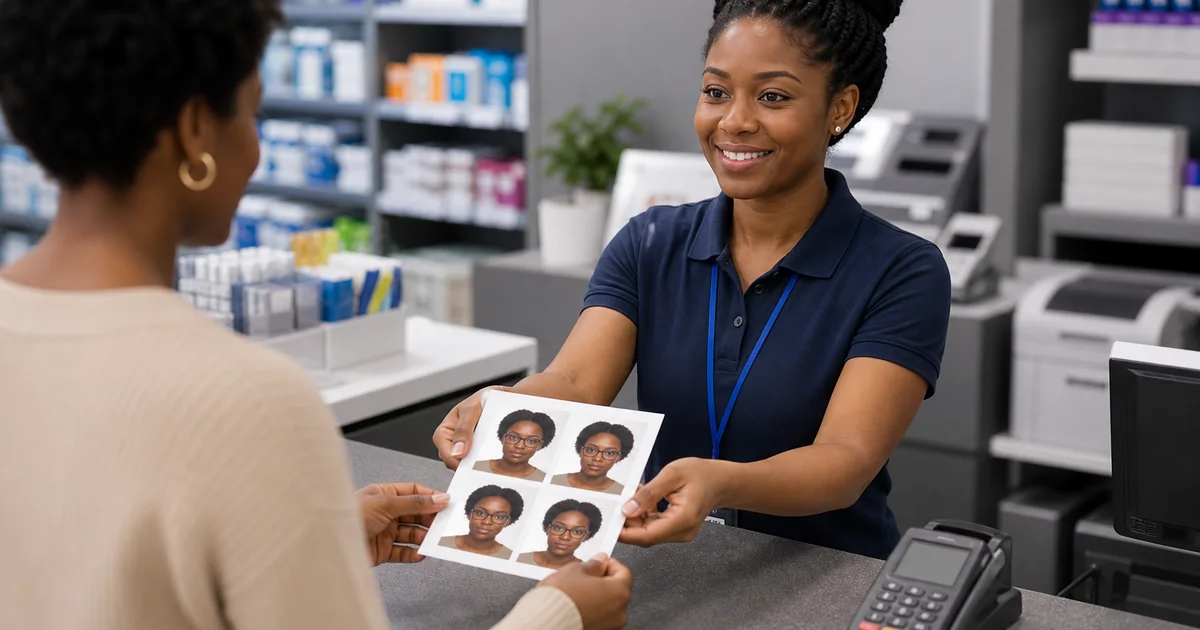
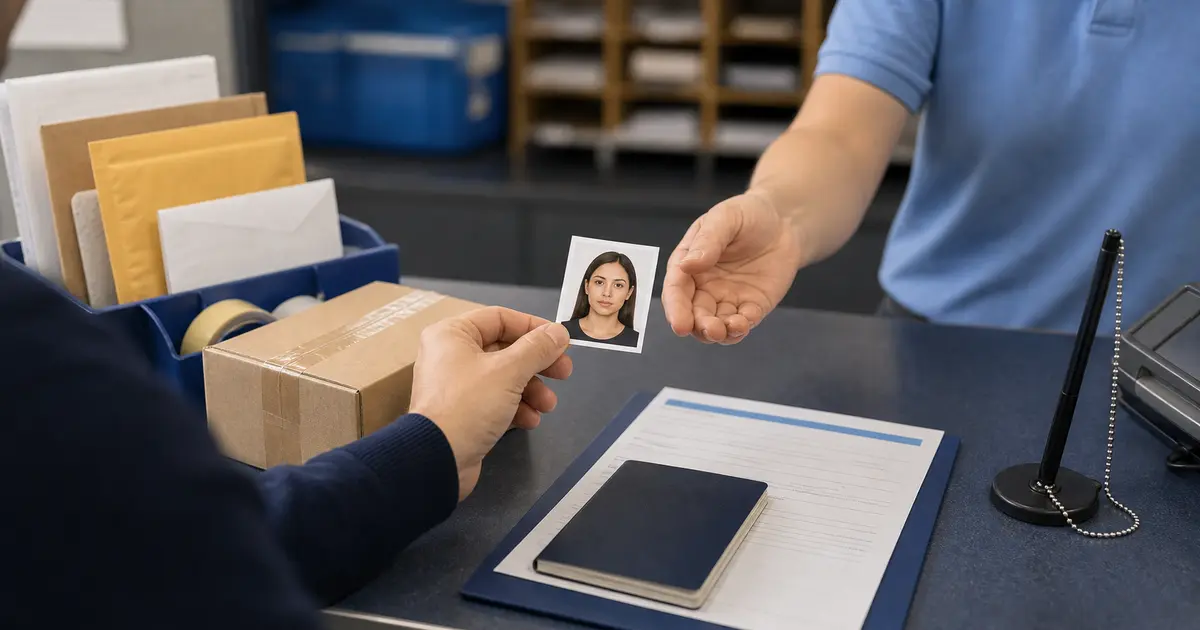
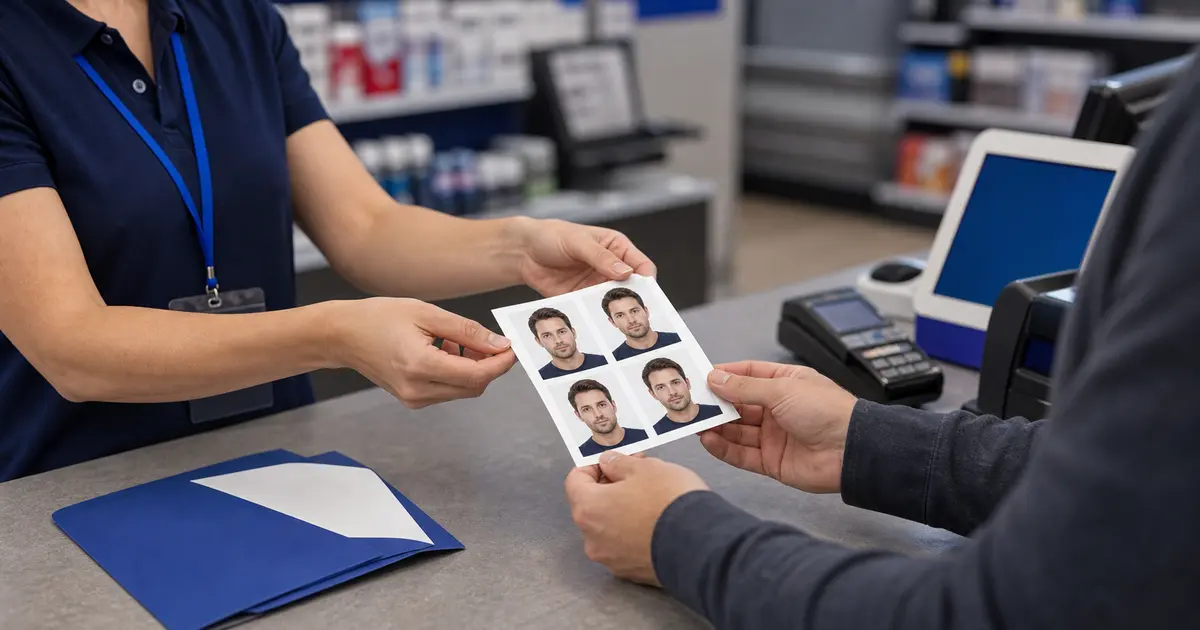
Passport Photos in California (2026): Los Angeles, San Francisco, San Diego, Sacramento, and At-Home Options
Find the best way to get passport photos in California, including official acceptance-facility checks, USPS routes, pharmacies, retail counters, and a browser-first workflow before you print.
The best California route depends on what you still need
California has plenty of places to get passport photos: USPS passport locations, pharmacies, shipping stores, retail print counters, studios, and home printing. The useful question is not only passport photos near me in California. It is whether you still need capture help, official appointment support, a printed pair, or a digital file that is ready to upload.
If you are applying in person, start with the official U.S. Department of State acceptance-facility search and then check whether the selected facility offers photos. If you already have a good source photo, prepare the file first in Passlens, then print at home or use a local counter in Los Angeles, San Francisco, San Diego, Sacramento, or any nearby city.
California city options to compare
| Area | Good first checks | Best Passlens use case |
|---|---|---|
| Los Angeles | USPS appointments, pharmacies, shipping stores, independent studios | Prepare the file first, then choose the fastest print route. |
| San Francisco Bay Area | Acceptance facilities, office/shipping stores, pharmacy counters | Use browser prep to avoid redoing the photo after a commute. |
| San Diego | USPS and local retail counters | Export a print sheet before using a same-day print counter. |
| Sacramento and inland cities | USPS, county or city acceptance facilities, pharmacies | Prepare digital and print outputs once, then pick the nearest reliable printer. |
California retail and postal routes
For same-day retail, compare Walgreens, CVS, Walmart, FedEx Office, Staples, Office Depot, UPS, and USPS. Each can be useful, but not for the same reason. Some are strongest for capture, some for paper output, and some for bundling the photo with a passport appointment.
California travel time can make a cheap option expensive. If the image itself is the uncertain part, fix that first. Then the local store is only the final output decision. If you are printing instead of using a capture counter, keep the 4x6 template, Letter template, A4 template, and clean export guide open before you send the file to a kiosk or counter.
California passport photo checklist
- Use the current U.S. passport photo guide for size, background, expression, and recency rules.
- If you are using a store, confirm photo-counter hours before driving.
- If you need a digital upload, ask whether the service gives you the file, not just paper prints.
- If you print yourself, use actual-size printing and avoid borderless auto-scaling.
Printing without resizing in California
Whether you print in Los Angeles, San Francisco, San Diego, Sacramento, or a smaller city, the print step has one job: preserve the size you already prepared. Many failed DIY prints come from letting a kiosk, browser, or printer driver fit the image to the page. That can shrink a 2x2 passport photo just enough to fail.
A prepared 4x6 sheet is usually easier to handle than a loose single headshot. The sheet gives the print service a normal photo-print size while keeping the passport photos at the correct physical dimensions inside the layout. After printing, cut the photos along the visible edges and check the size with a ruler before attaching them to an application.
If you are near a passport agency or acceptance facility, do not wait until the appointment to discover the photo is wrong. Prepare the image first, keep a digital copy, and bring printed backups if the appointment instructions allow paper photos. That is often calmer than trying to fix a rejection on the same morning.
Frequently asked questions
Where can I get passport photos in California?
Common options include USPS acceptance facilities, pharmacies, shipping stores, studios, retail print counters, and home printing after you prepare the file. Use the official acceptance-facility search when the photo is part of an in-person passport application.
Can I make a California passport photo at home?
Yes, if the final photo meets the U.S. Department of State rules and is printed or exported at the right size. Passlens helps with crop, background, output size, and print sheets.