Free Alternative to Paid Passport Photo Apps (2026): No Subscription, No Watermark
Looking for a free alternative to paid passport photo apps? Here is how to get a compliant, watermark-free, print-ready passport or ID photo in your browser with no subscription and no signup.

Fast answer: you do not need to pay or subscribe
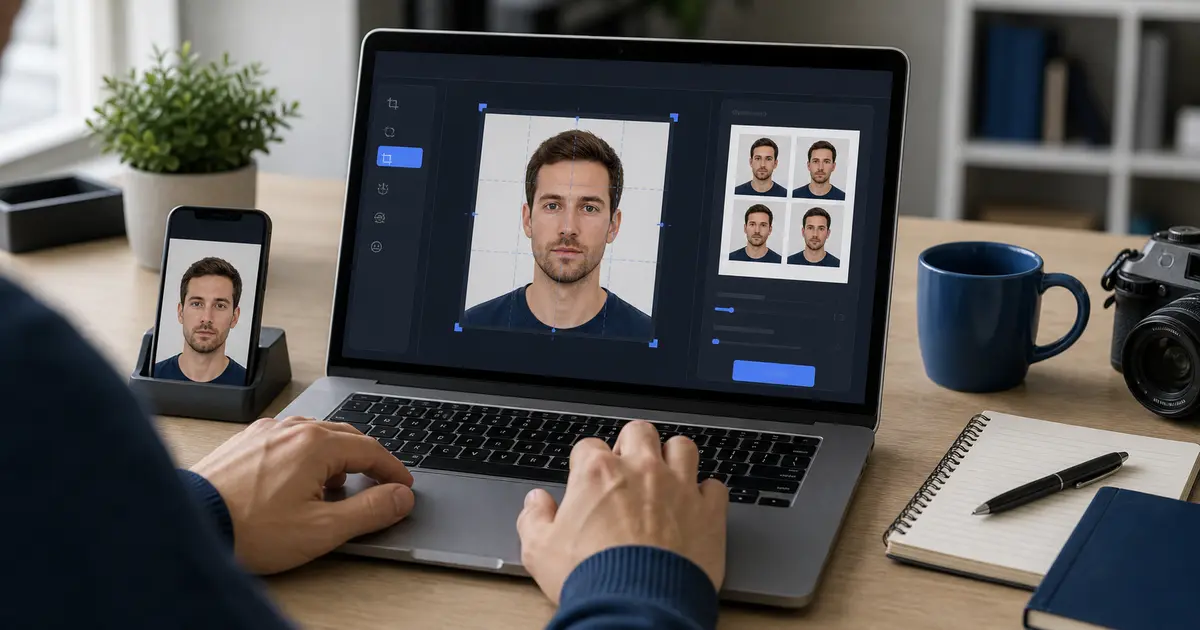
Most paid صورة جواز السفر apps charge per photo or push a subscription, and many add a watermark to the free preview. You can avoid all of that: a free browser tool can crop and size your phone photo to the exact passport spec, export it watermark-free at the right DPI, and lay it out on a print sheet — with no app install, no account, and no payment.
The key is to pick a tool that is free at the download step, not just the preview step, and that does not require a subscription to remove a watermark.
How to get a free, compliant photo in your browser
- Take a sharp photo against a plain, evenly lit wall in good light.
- Open a free browser maker and choose your country/size (US 2x2 in, 35x45 mm, etc.).
- Align your face to the head-size guide and crop to the exact dimensions.
- Export full-resolution at 300/600 DPI with no watermark.
- For print, drop it onto a 4x6, A4, or Letter sheet; for upload, match the portal size and KB limit.
What to watch for in "free" apps
| Common paid-app pattern | Why it is a problem | Free alternative behavior |
|---|---|---|
| Watermark on the free export | Watermarked photos are rejected | Clean, watermark-free download |
| Subscription to download | Recurring charge for a one-time need | Free, one-and-done |
| Account/email required | Slower, and shares your data | No signup |
| Upload to a server | Your face leaves your device | Local-by-default processing |
| AI background swap by default | Now causes 2026 US rejections | Crop and size only for US passports |
Cancel-and-replace tip
If you only downloaded a paid app for one صورة جواز السفر, you can usually get the same result free in the browser and cancel the trial before it bills. Confirm the free export is watermark-free first.
Stay compliant with the 2026 rule
The US State Department prohibits AI-edited and digitally altered photos for US passports — it tells applicants not to use software, apps, filters, or AI, and even background retouching can cause rejection. Free or paid, the safe choice is a tool that sizes and crops without altering the image. Reserve AI background removal for non-US ID photos or general use.
الأسئلة الشائعة
Is there a truly free صورة جواز السفر app with no watermark? Yes. Browser tools like Passlens export a clean, full-resolution file free, with no signup or subscription.
Do I need to install an app? No. A browser maker works on phone or desktop with no install.
Will a free photo be accepted? Yes, if it meets the official size, head-size, background, and quality rules and is not watermarked or AI-altered.