

No signup for the web tool
You can upload, review the result, and download the PNG without creating an account.
Quick answer
Use the upload box below when you need a simple background remover, not a full design app. Passlens accepts JPG, PNG, and WebP files, removes the scene around the subject, and returns a transparent PNG you can use in a passport-photo workflow, product listing, profile image, or document upload.
You can upload, review the result, and download the PNG without creating an account.
The finished file keeps the subject and removes the background instead of flattening it onto white.
Manual downloads from this page are not stamped with a Passlens watermark.
For passports, visas, and IDs, move the cutout into the Passlens editor so size, crop, and print layout are checked too.
Works for more than ID photos
Use this page when the subject is usable but the background is not. Passlens turns everyday JPG, PNG, and WebP uploads into transparent PNG cutouts for the common jobs people usually open a background remover for.
Cut out a product from a desk, shelf, or room background before using it in a listing, catalog draft, or comparison page.
Remove a wall, room, or outdoor scene behind a headshot before using the image in a profile, form, CV, or team page.
Clean up a logo, sticker, or simple graphic when the subject has clear edges and you need a transparent PNG.
Try object photos where the subject is clear. Check the edge after removal before you publish or print the PNG.
Pick the right output
The wording changes, but the job is usually the same: keep the subject, remove the scene, and download a transparent PNG. Use the checks below before you trust the file.
Use it when the photo works but the room, wall, desk, or street behind it does not.
Zoom in around hair, glass, handles, wheels, and shadows before downloading.Download a PNG with the removed area left transparent, not flattened onto white.
Preview the PNG on both a dark and a light surface if edge quality matters.Turn a quick product shot into a cutout for listings, catalog drafts, or comparison pages.
Check small gaps, tabletop shadows, labels, and handles before you publish.Clean up a headshot or avatar source before a CV, profile, team page, or form upload.
Look closely at hair, glasses, shoulders, collars, and any bright edge glow.Works best for simple marks, stickers, and graphics with clear edges.
Use the original design file if you have it; photos of logos can leave rough edges.Manual web downloads do not require an account and are not stamped.
API and developer usage is separate from the free manual page.适合快速修图
这个页面处理的是用户最常遇到的问题:去掉干扰背景,检查主体边缘,然后继续使用。上传到下载 PNG 之间不需要创建账户。
 透明 PNG
立即试用
请从主体清晰可见的照片开始。用于商品、头像、证件照流程或文件上传前,先检查边缘是否干净。
垃圾信息防护
这张图要用于护照、签证或证件照吗?
打开 Passlens 证件照编辑器 可直接复用
可直接复用常见用途
当照片本身可以用,但周围场景不合适时,背景移除就很有用。保留主体,去掉杂乱背景,再决定成品图用于哪里。
去掉墙面或房间背景,然后打开 Passlens 调整尺寸和打印。
把快速拍摄的商品照片变成适合列表、目录和对比页的干净抠图。
上传前先清理头像、申请照片和文档图片。
流程
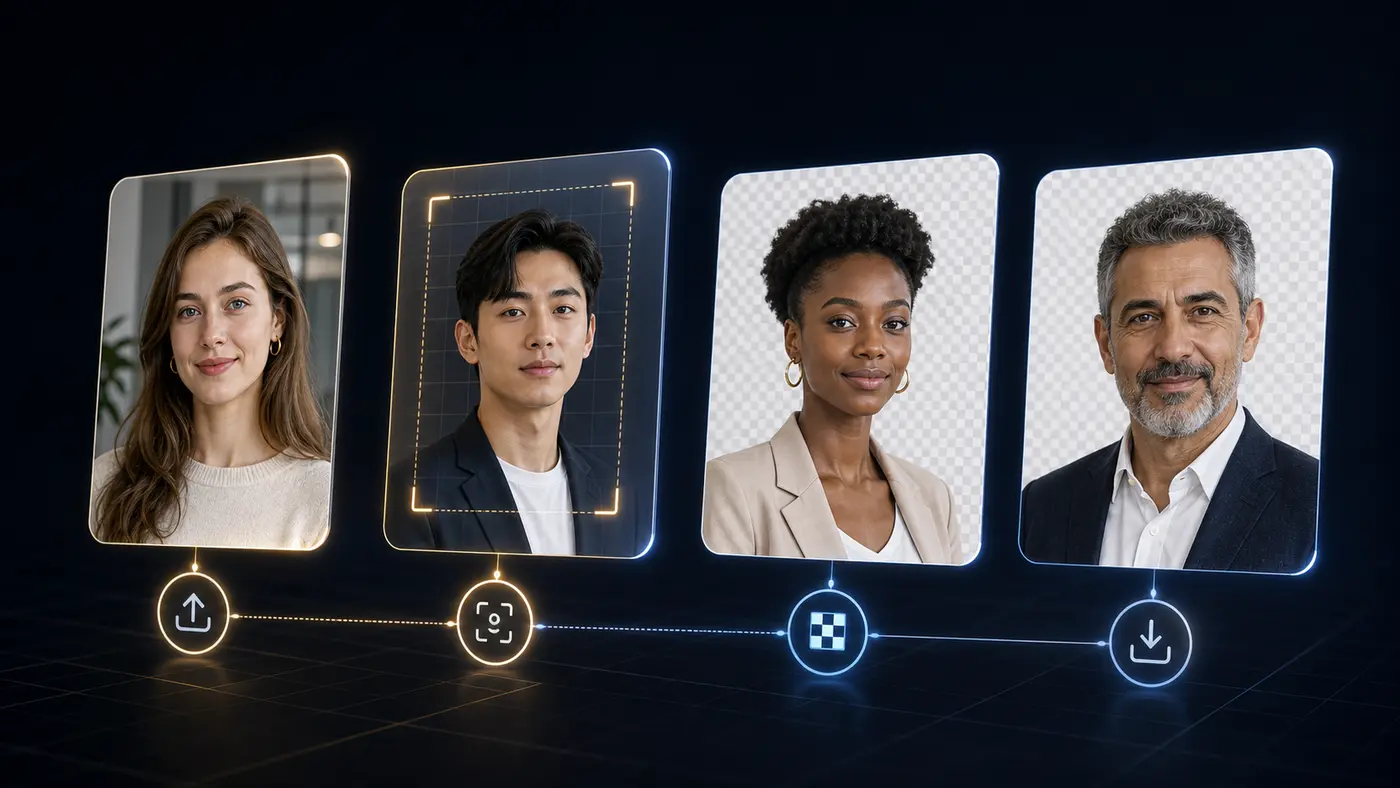
整个流程从头到尾都能看见。上传原图,查看抠图结果,然后下载透明 PNG,或继续进入 Passlens 做官方尺寸。
更好的结果
效果较差通常来自模糊、主体边缘被遮挡或对比度太低。下载前快速检查,可以及时发现这些问题。
使用清晰照片,并确保完整主体可见。
下载前检查细发、眼镜、深色衣物和阴影。
正式证件照请在 Passlens 中完成尺寸、头部位置和打印排版。
Background remover FAQ
Answers for the searches people make before they try a free background remover: price, signup, watermark, file type, transparent PNG output, and document-photo use.
Yes. The manual web tool on this page is free for one-off background removal. Paid plans are for API or MCP usage, not for downloading a normal PNG from this page.
No. You can use the upload tool, preview the result, and download the transparent PNG without signing in.
No. The manual download from this page is a clean transparent PNG without a Passlens watermark.
Use JPG, PNG, or WebP. A sharp photo with the full subject visible usually gives the cleanest edge.
Yes, but background removal is only one step. After the cutout looks clean, use the Passlens ID photo editor to apply the right size, crop, background color, and print layout.
This standalone remover sends the selected image to Passlens for the background-removal request. The image is used for that job and cleared after processing.
 API and MCP