Free Alternative to Paid Passport Photo Apps (2026): No Subscription, No Watermark
Looking for a free alternative to paid passport photo apps? Here is how to get a compliant, watermark-free, print-ready passport or ID photo in your browser with no subscription and no signup.

Fast answer: you do not need to pay or subscribe
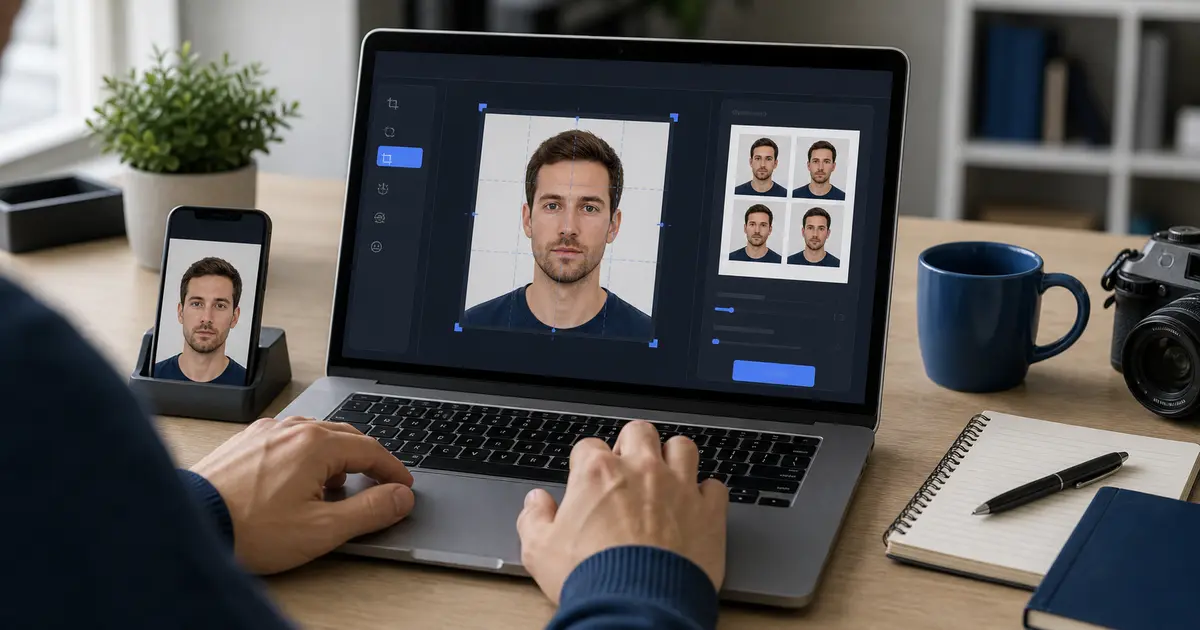
Most paid Passfoto apps charge per photo or push a subscription, and many add a watermark to the free preview. You can avoid all of that: a free browser tool can crop and size your phone photo to the exact passport spec, export it watermark-free at the right DPI, and lay it out on a print sheet — with no app install, no account, and no payment.
The key is to pick a tool that is free at the download step, not just the preview step, and that does not require a subscription to remove a watermark.
How to get a free, compliant photo in your browser
- Take a sharp photo against a plain, evenly lit wall in good light.
- Open a free browser maker and choose your country/size (US 2x2 in, 35x45 mm, etc.).
- Align your face to the head-size guide and crop to the exact dimensions.
- Export full-resolution at 300/600 DPI with no watermark.
- For print, drop it onto a 4x6, A4, or Letter sheet; for upload, match the portal size and KB limit.
What to watch for in "free" apps
| Common paid-app pattern | Why it is a problem | Free alternative behavior |
|---|---|---|
| Watermark on the free export | Watermarked photos are rejected | Clean, watermark-free download |
| Subscription to download | Recurring charge for a one-time need | Free, one-and-done |
| Account/email required | Slower, and shares your data | No signup |
| Upload to a server | Your face leaves your device | Local-by-default processing |
| AI background swap by default | Now causes 2026 US rejections | Crop and size only for US passports |
Cancel-and-replace tip
If you only downloaded a paid app for one Passfoto, you can usually get the same result free in the browser and cancel the trial before it bills. Confirm the free export is watermark-free first.
Stay compliant with the 2026 rule
The US State Department prohibits AI-edited and digitally altered photos for US passports — it tells applicants not to use software, apps, filters, or AI, and even background retouching can cause rejection. Free or paid, the safe choice is a tool that sizes and crops without altering the image. Reserve AI background removal for non-US ID photos or general use.
FAQ
Is there a truly free Passfoto app with no watermark? Yes. Browser tools like Passlens export a clean, full-resolution file free, with no signup or subscription.
Do I need to install an app? No. A browser maker works on phone or desktop with no install.
Will a free photo be accepted? Yes, if it meets the official size, head-size, background, and quality rules and is not watermarked or AI-altered.